


Creators reviewing their own project
Quickly understand what visual assets exist in a project, or inspect how a scene is actually built from its event data.
for RPG Maker & WOLF RPG
Open an RPG Maker project folder and turn its assets into something you can inspect, preview, organize, and export - without manually digging through folders and JSON files.
What it does
Tiramisu is not a general media player. Each feature maps to a specific thing you actually need to do with an RPG Maker project.
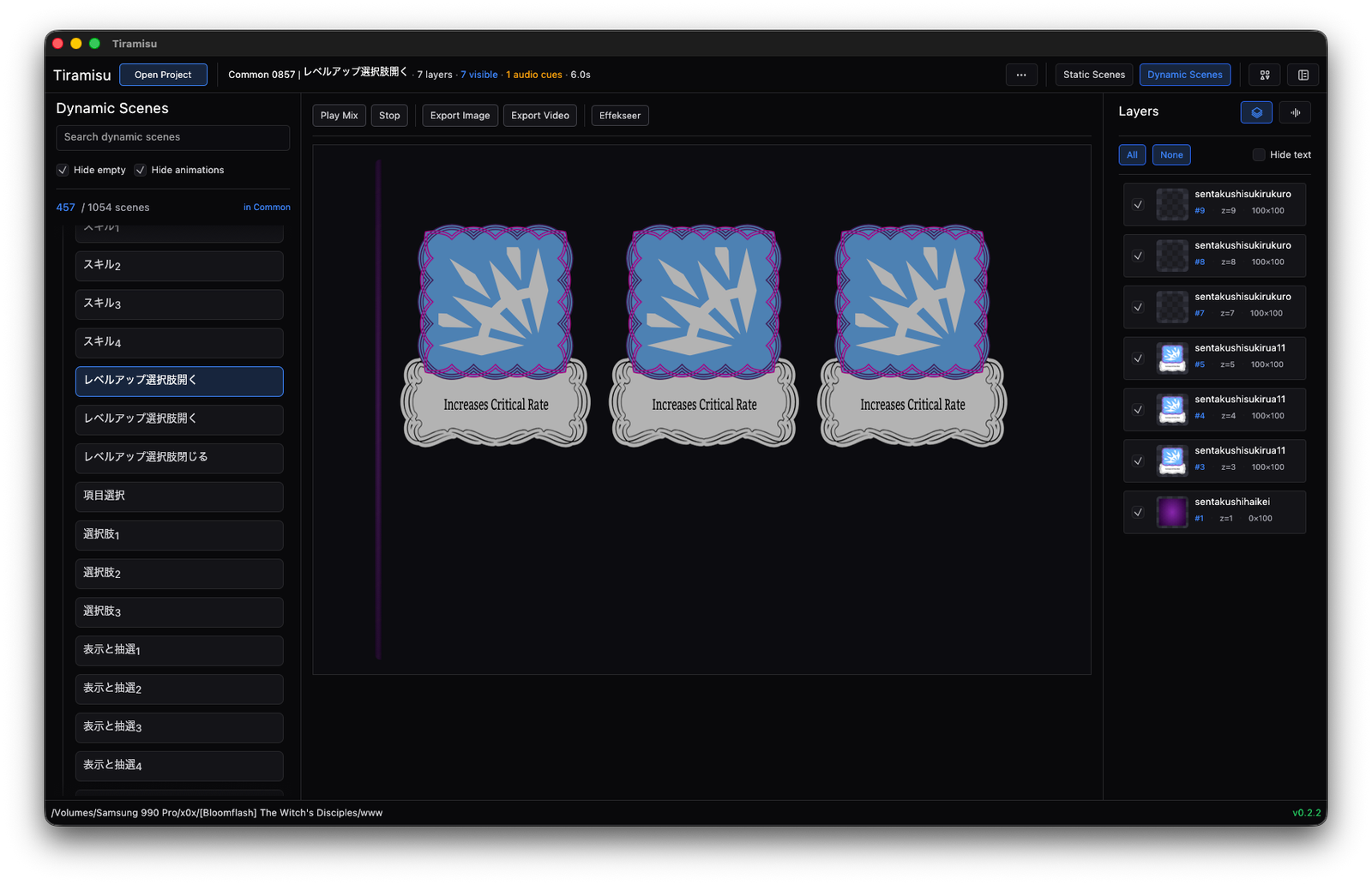
Dynamic Scenes
Reads project event data and reconstructs scene-style previews from layered images and audio timing. See what a scene shows without opening the game engine.
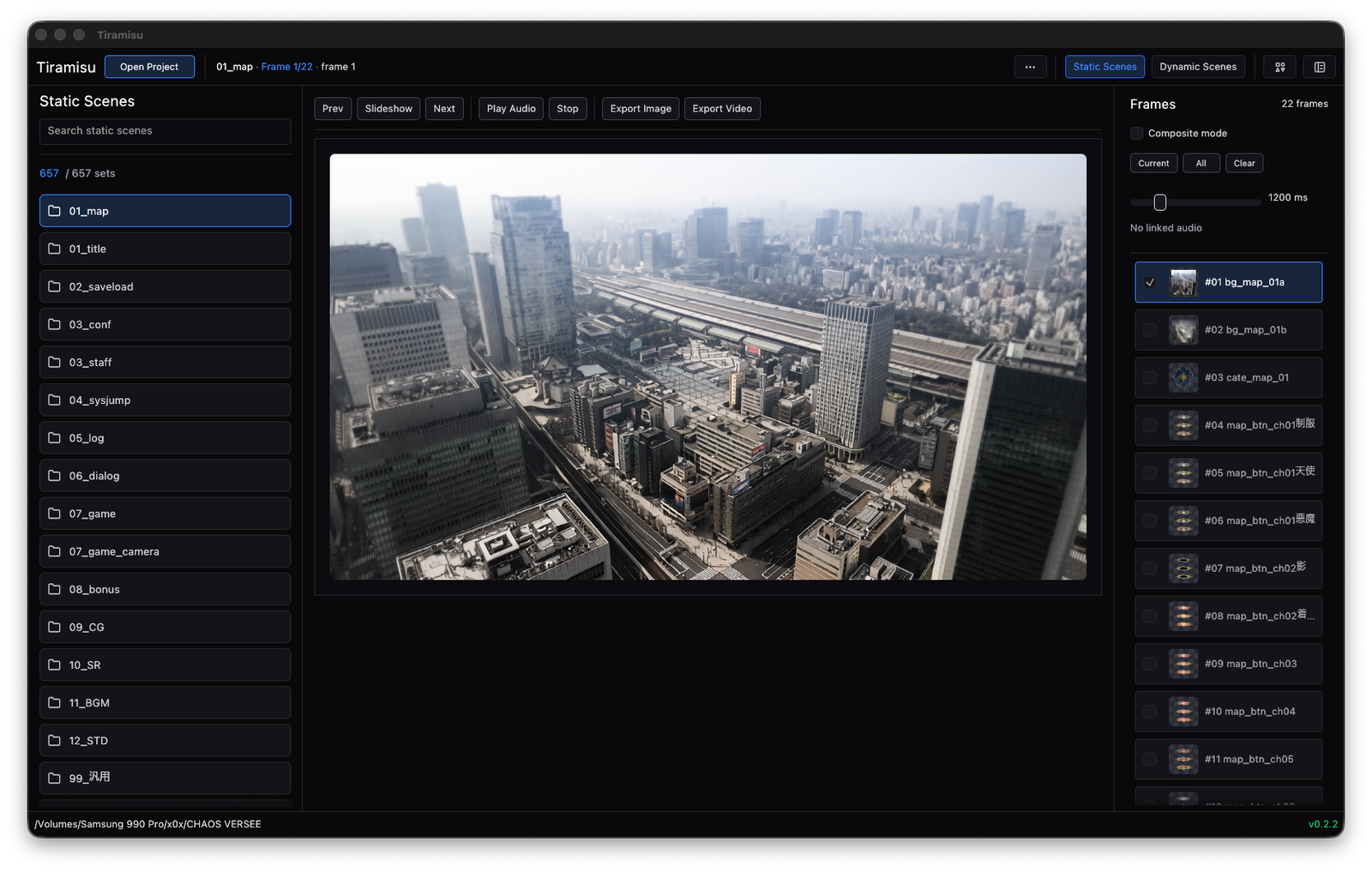
Static Scenes
Scans picture folders and groups related stills into static scenes. Step through frames, run a slideshow, and match related audio.
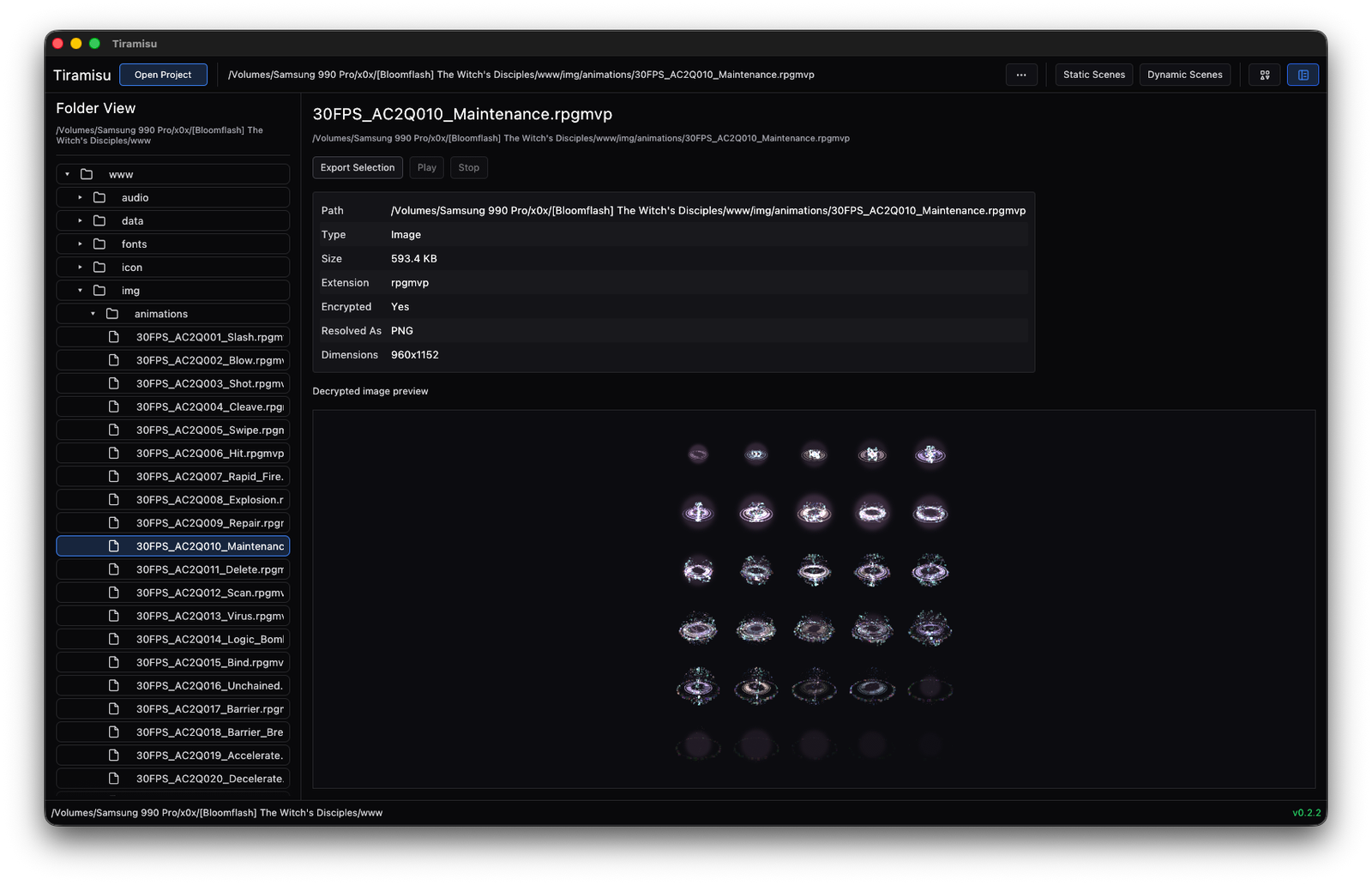
Folder View
Works even for normal folders or projects that can't be fully parsed. Previews images, text, audio, and some video.
Encrypted Media
Detects and decrypts supported RPG Maker encrypted image, audio, and video assets for preview or export - no manual decoding needed.
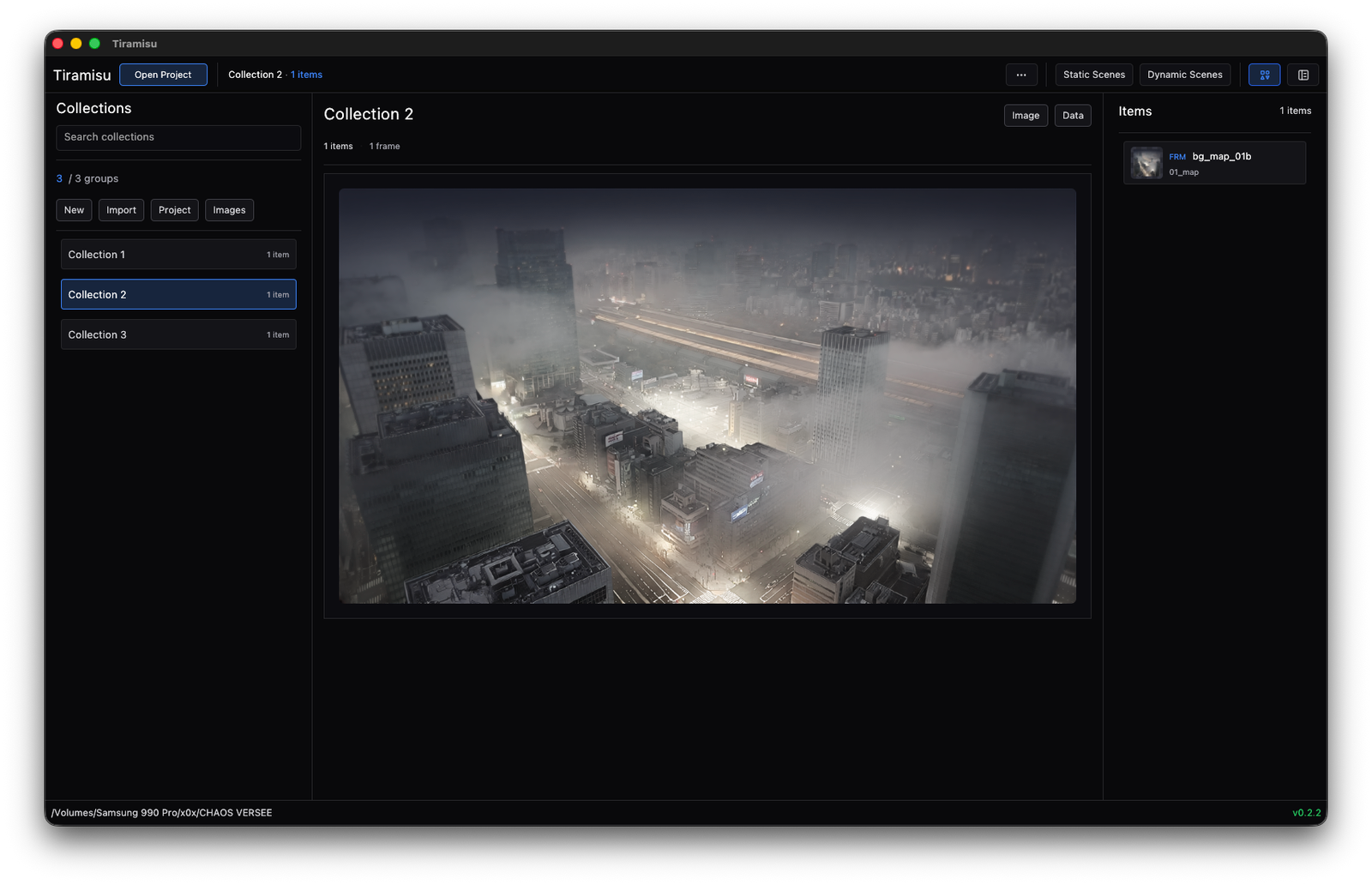
Collections
Save groups of scenes, layers, frames, or snapshots as .tcol collection files. Useful for curated media packs instead of bulk dumps.
Export
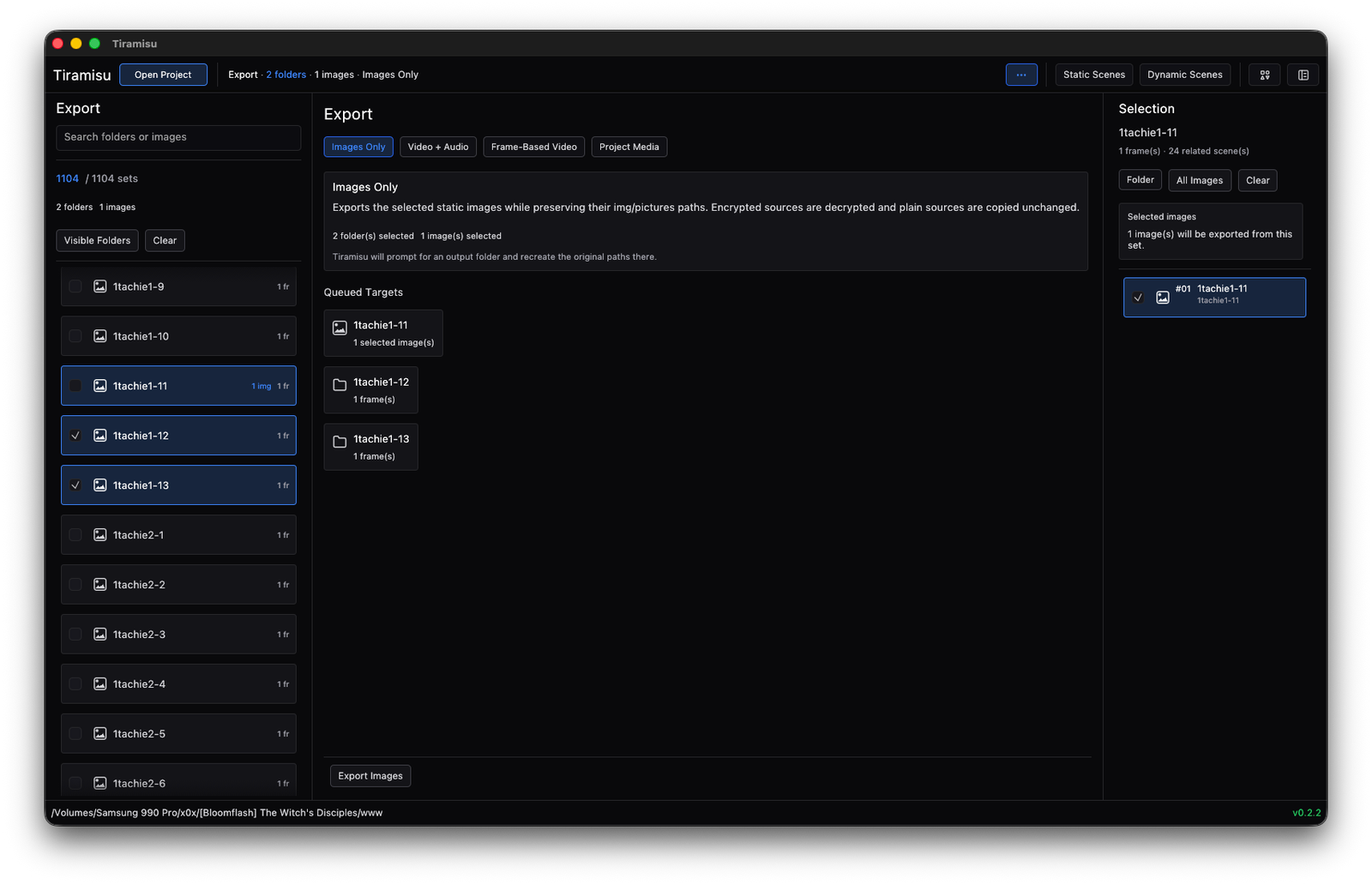
Scene previews as images, static-scene videos, selected picture assets, and decrypted media folders - all from the same view you inspected them in.
Interface
Each view in Tiramisu corresponds to a real task. Folder browsing, scene preview, collections, and export controls stay in the same workspace - no switching required.
Workspace
Works with valid RPG Maker project folders and plain directories alike. Large preview surface, file metadata, and contextual actions all in one place.
Dynamic Scenes
Reads event data and reconstructs layered scene output as an actual visual preview instead of raw JSON files and loose image folders.
Static Scenes
Move through still-image sets organized as scene groups. Frame controls, slideshow, and audio matching are on screen next to the images.
Collections
Add scenes, layers, and snapshots to a collection as you work. Export the whole set when you're done, or keep it as a reusable .tcol file.
Export
Export images, videos, and decrypted media from the same view you used to review them. No context switching, no re-navigating to a separate export dialog.
Who it's for
Tiramisu is aimed at people who need to understand or reuse media from an RPG Maker project.
Quickly understand what visual assets exist in a project, or inspect how a scene is actually built from its event data.
Prepare clean stills and scene references for trailers, social media, or review material - without re-exporting from the editor.
Keep visual context attached to image assets and scene structure while reviewing content for localization or quality checks.
Inspect encrypted media, browse project structure, and export to standard formats for preservation, cataloguing, or reference before modifying anything.
Technical details
Scope note: Tiramisu is not a game editor and not a replacement for RPG Maker. Its purpose is inspection, preview, organization, and export of project media and scene data - nothing more.
Open a project, understand what it contains, preview it, and export the parts you need. That's the whole product.

