Universal queue
Keep normal downloads, captured links, and torrent jobs in one fast queue.

Universal download manager.
Torrent, batch, and browser capture support built for fast queue control.
Features
Purin combines desktop download control, torrents, batch jobs, and browser capture in one performance-minded workspace.
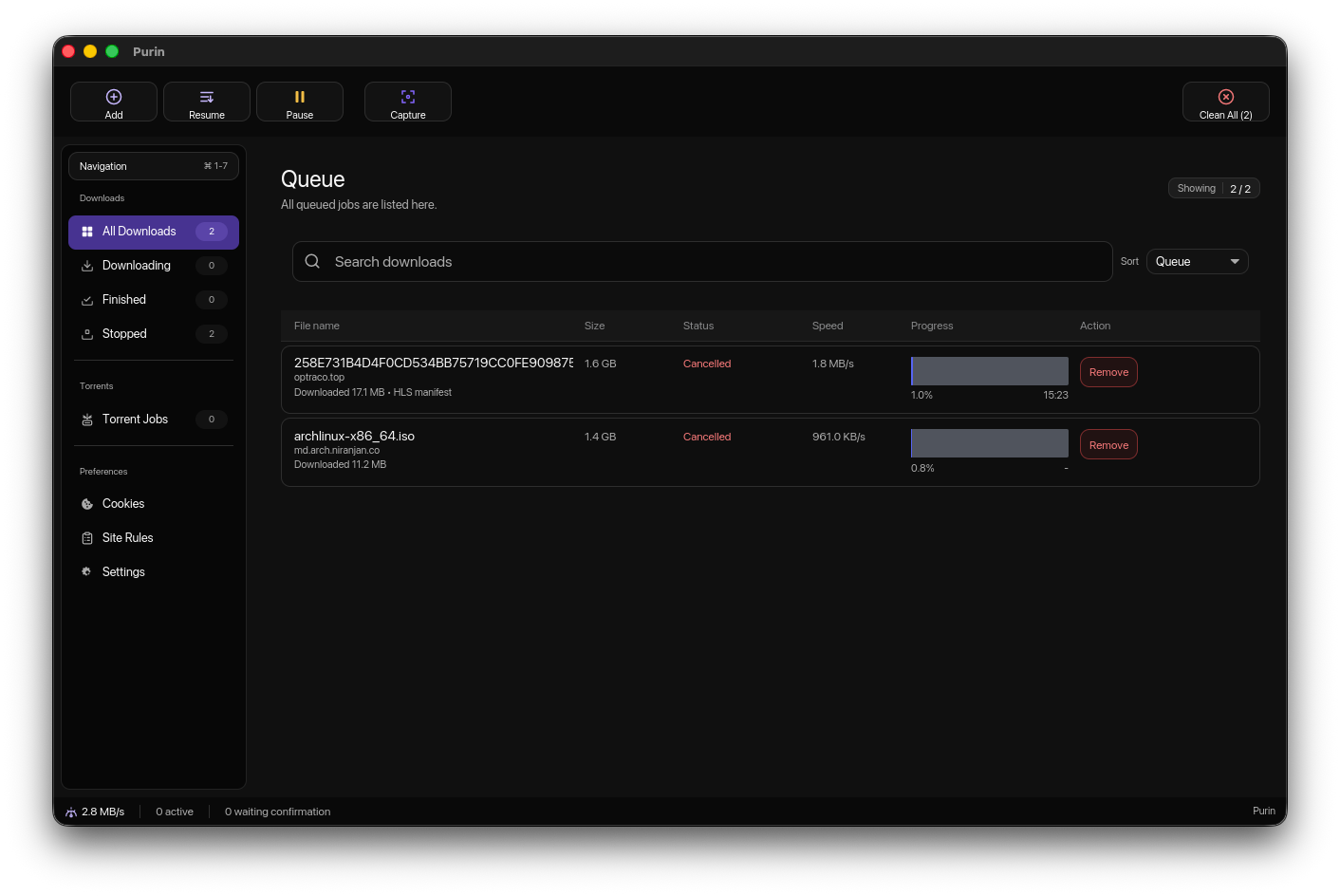
Keep normal downloads, captured links, and torrent jobs in one fast queue.
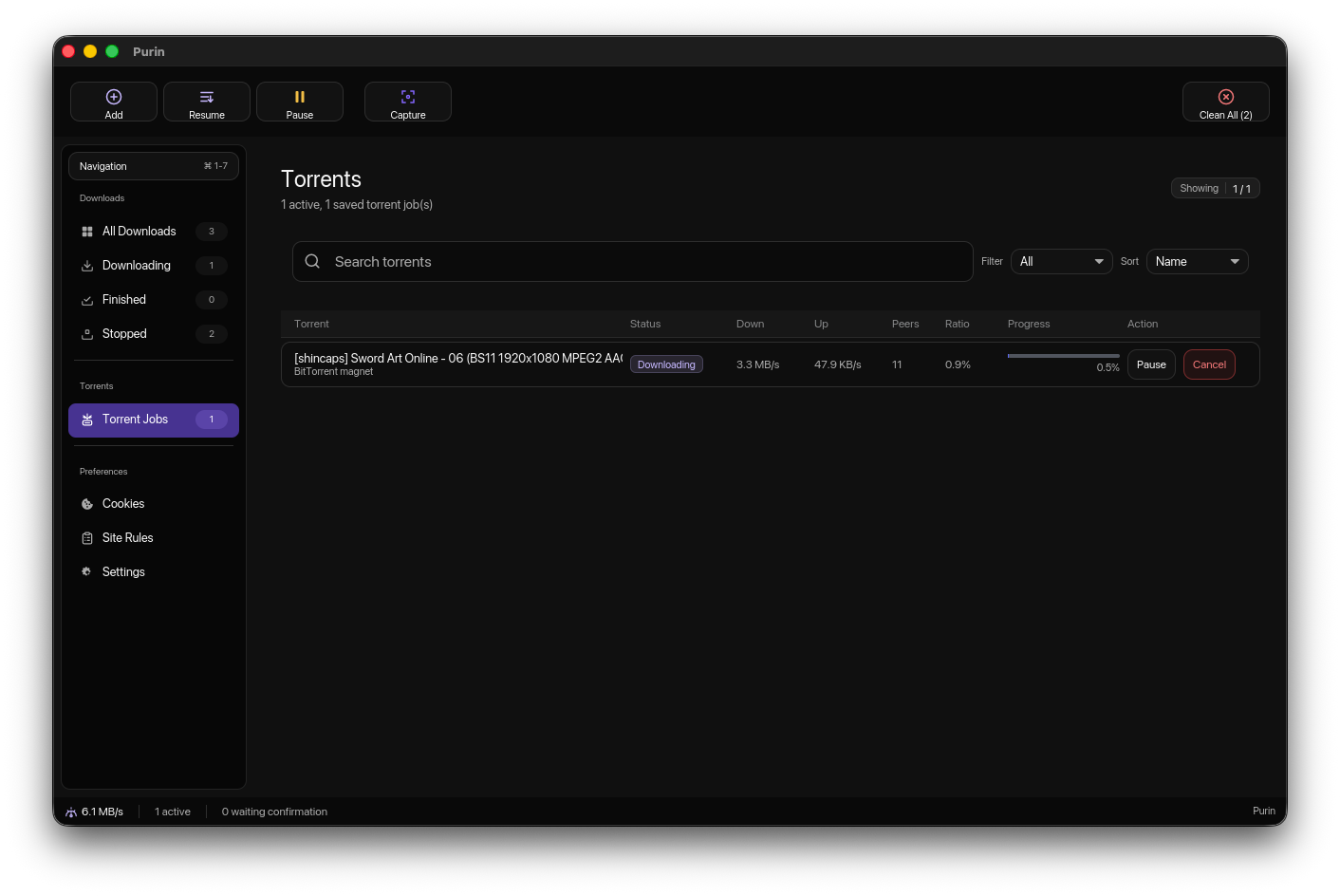
Manage torrent progress, peers, ratio, and actions beside regular downloads.
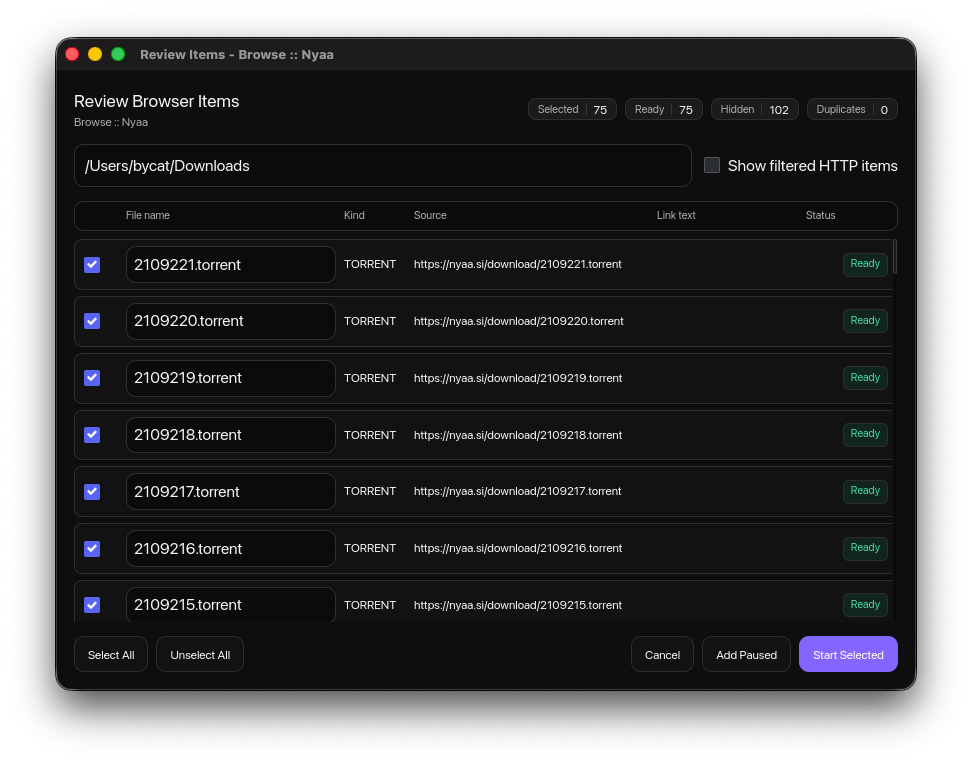
Review browser items and start selected downloads as a batch.
Capture links, images, and videos from the browser companion.
Collect data from selected sources with selected rules.
Pause, resume, sort, search, and inspect connections without clutter.
Workflow Overview
The page follows Purin from queue management to batch browser capture, torrents, site grabbing, rules, and detailed progress.
Queue
Purin keeps active, finished, stopped, and waiting jobs readable in a single desktop workspace built for speed.
Batch
Select multiple captured items, hide noise, skip duplicates, and start the downloads you actually want.
Torrents
Track torrent progress, down and up speed, peers, ratio, and job actions without switching to a separate app.
Capture
The browser companion surfaces detected media and page links so downloads can move straight into Purin.

Site Grabber
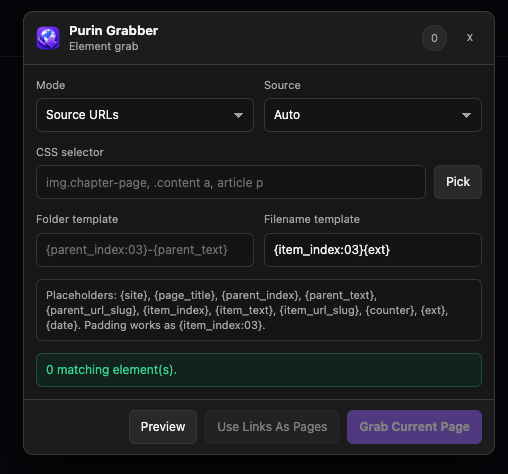
Pick source URLs, selectors, folder templates, and filename templates before grabbing structured page items.
Rules
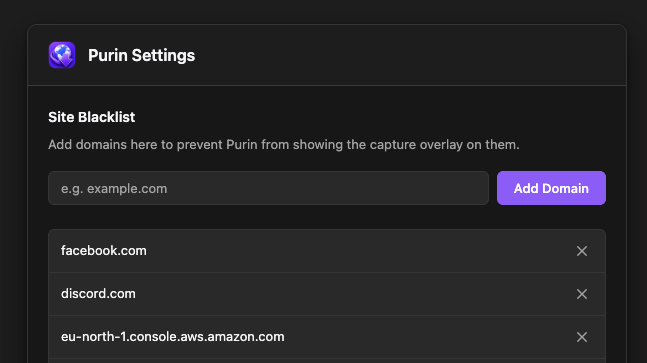
Use site settings and blacklist rules to decide where capture overlays and browser actions should stay quiet.
Details
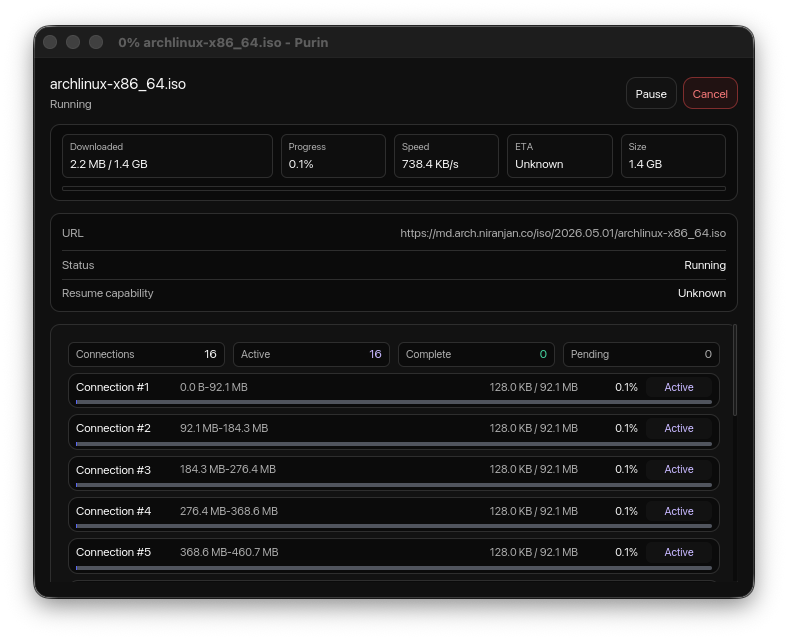
Open a compact progress window for speed, ETA, size, status, and per-connection progress.
Download Confirmation
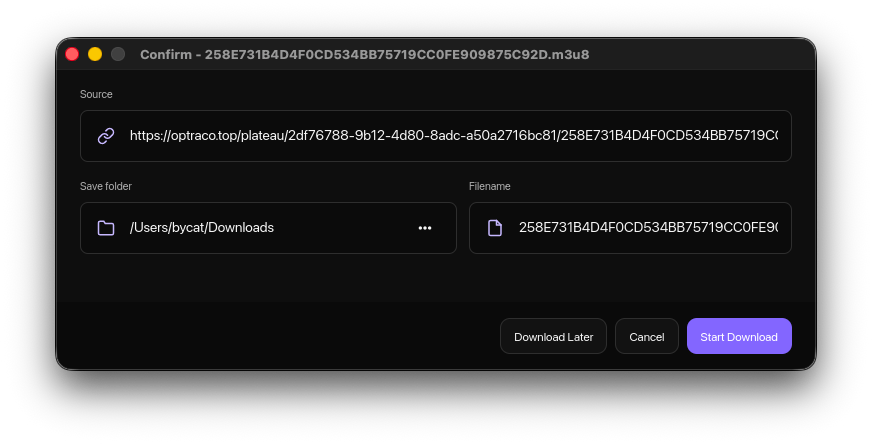
Confirm the source, save folder, and filename before Purin moves the job into the queue.
Workflow
Find links, images, videos, or page items in the browser.
Review batch items and skip hidden or duplicate entries.
Run normal downloads and torrent jobs in the same queue.
Open progress, speed, ETA, and connection details.
Details
Scope note: Purin focuses on fast, clean download management. Browser capture and site grabber flows feed the same queue instead of becoming separate workflows.
Purin keeps downloads, torrents, and browser-grabbed media direct, dark, and performance-focused.