Manga readers & collectors
Keep a personal library of titles you already own and read them with the spreads, direction, and fit modes you prefer - without uploading anything.
desktop manga reader
Tsukiyomido builds a personal library from local folders or CBZ/ZIP archives, then gives you a native desktop reader with multiple reading modes, fit options, and page memory - all kept on your machine.
What it does
Tsukiyomido is built around the practical parts of reading manga you already own - importing files, opening a title, and picking up where you stopped without fighting an interface.
Library
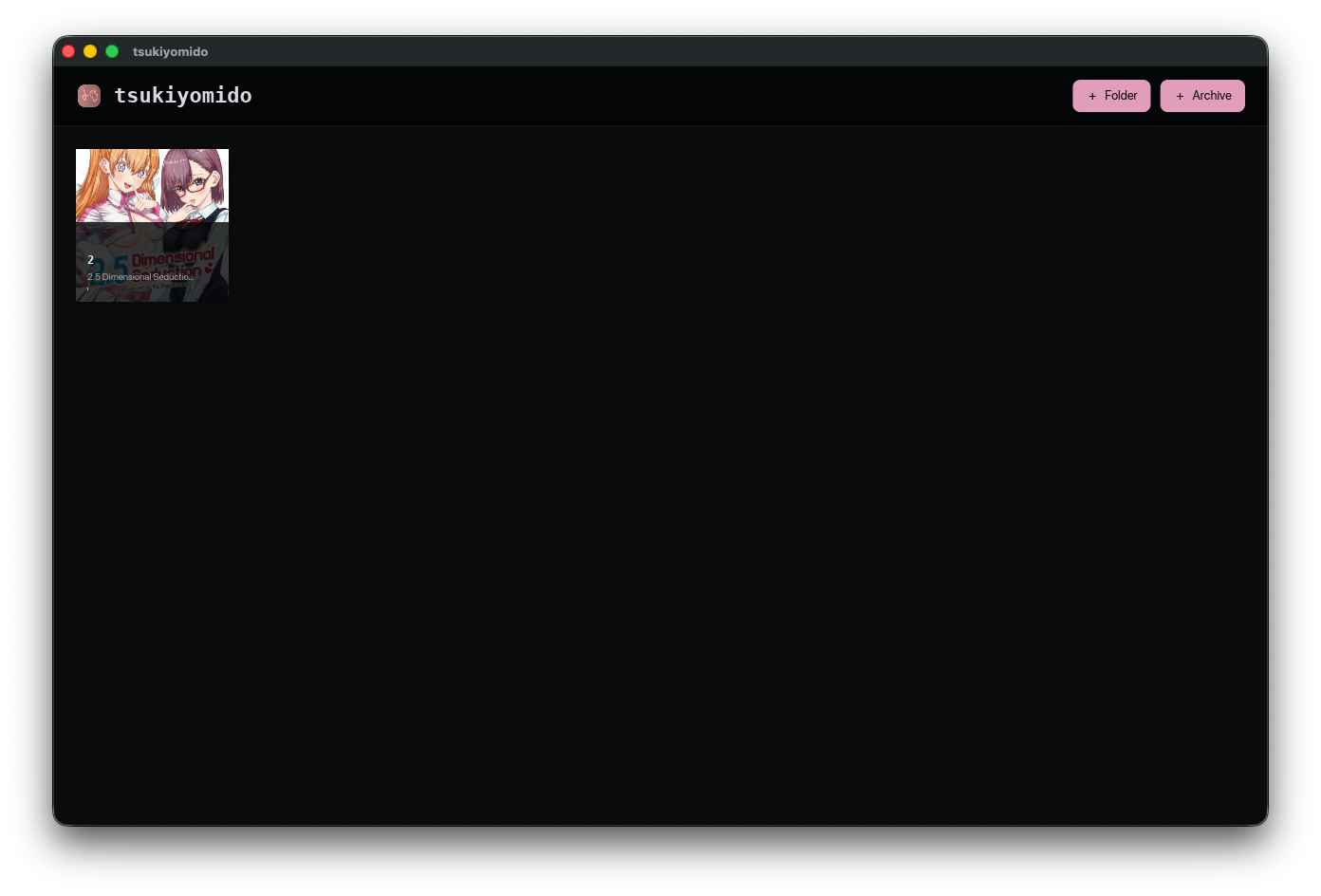
Point Tsukiyomido at a folder of loose images or a set of CBZ/ZIP archives. It builds a browsable library with cover thumbnails instead of leaving you with nested directories to hunt through.
Reading modes
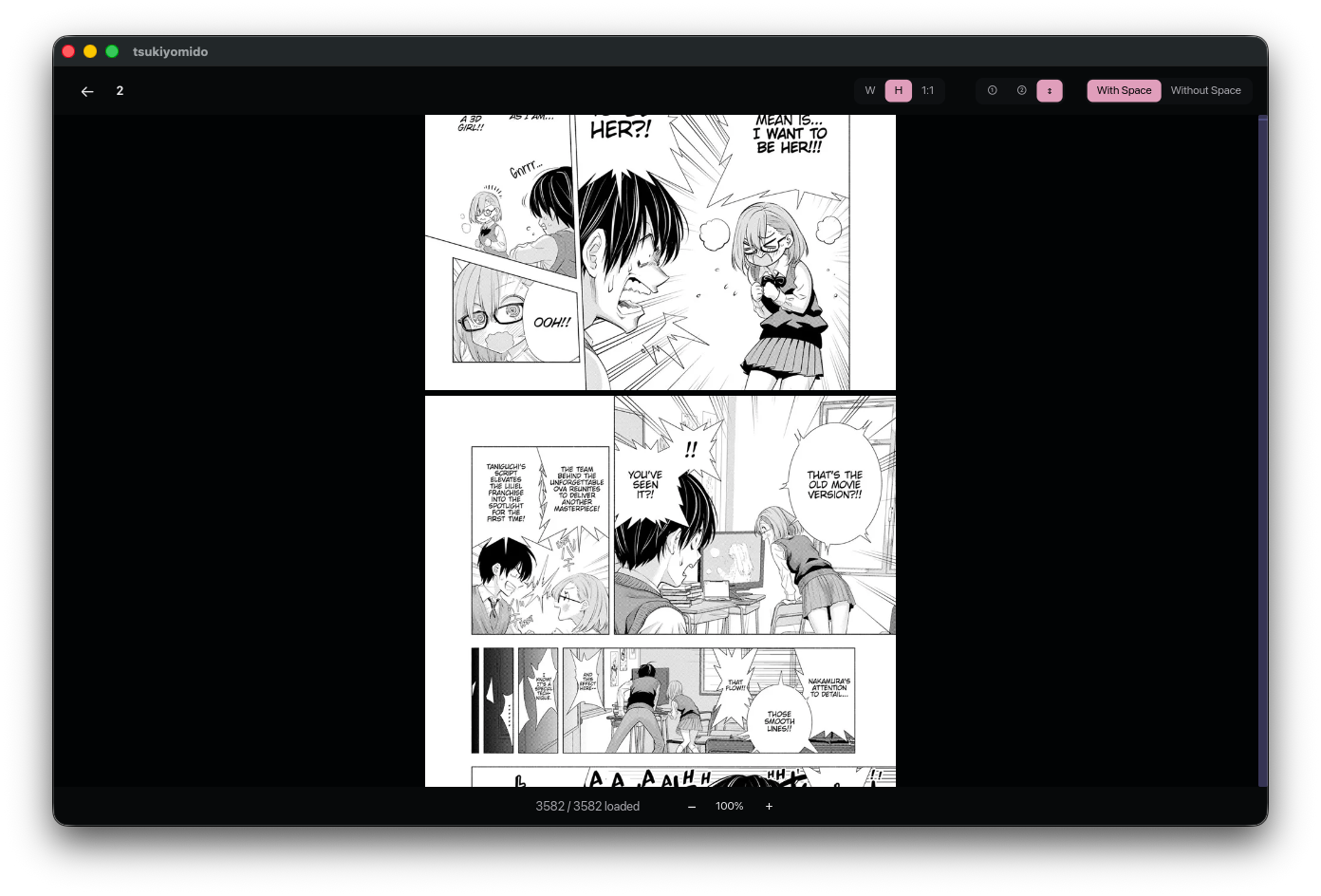
Switch between single-page, double-page spreads, and vertical scroll so the reader fits the kind of manga you're reading at the moment.
Fit & direction
Choose how pages are sized on screen and flip reading direction between left-to-right and right-to-left for Japanese-style releases.
Zoom & pan
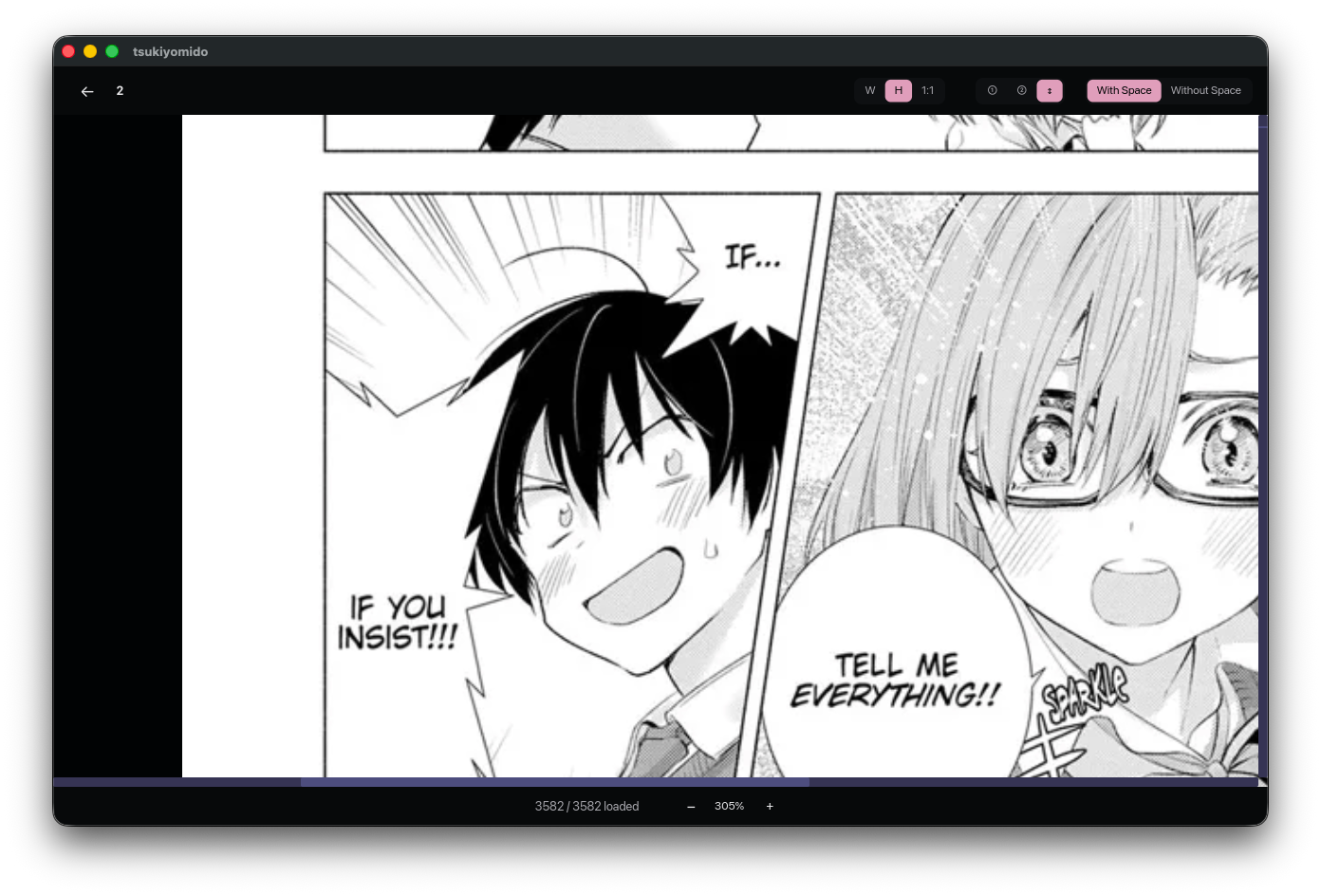
Zoom into a page and drag-scroll to follow detail without losing your place, then drop back to fit-to-page with a single action.
Controls
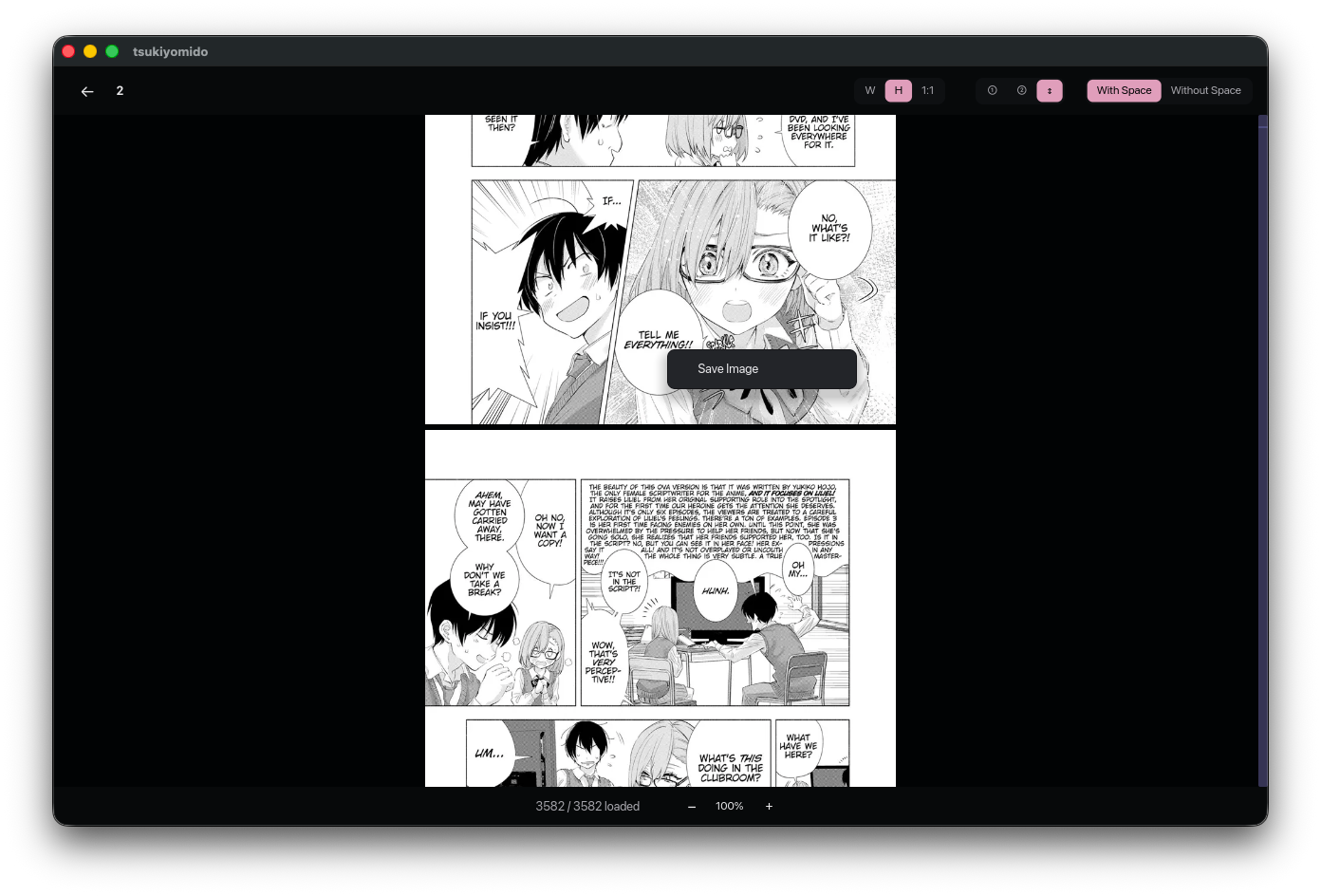
Move through pages and chapters from the keyboard, and open a context menu for quick actions like saving the current image while reading.
Local-first
Tsukiyomido saves your library locally, remembers the last-read page for every title, and quietly filters out entries whose files have moved or been deleted. No account, no sync server, no online dependency.
Interface
Library, reader, zoom, and quick actions all live in the same desktop workspace so you can go from picking a title to reading it - and back - without extra windows.
Library
The home screen shows every imported title as a cover thumbnail. Open one to jump straight into the reader at your last page - or start fresh on the first page.
Reader
The reader keeps the page front and center. Switch between single-page, double-page spread, and vertical scroll, and flip direction for Japanese-style manga without leaving the view.
Zoom
Zoom the current page and drag-scroll around it when you want a closer look at art or small text. Return to fit-to-page instantly when you're done.
Context actions
A right-click context menu puts page-level actions one click away - save the current image, jump, or change reading options without leaving the page you're on.
Who it's for
Tsukiyomido is aimed at people who already have manga on disk and just want a clean, fast desktop way to read it - no online service, no account, no streaming layer.
Keep a personal library of titles you already own and read them with the spreads, direction, and fit modes you prefer - without uploading anything.
Preview CBZ/ZIP output the way end readers will see it, double-check spread alignment, and navigate quickly with the keyboard while reviewing pages.
Catalog local archives as a real library with cover thumbnails, keep progress attached to each title, and confirm that your files still open cleanly.
Open your own in-progress releases or reference material in a dedicated reader instead of an image viewer, and use zoom and spreads to study layouts.
Technical details
Scope note: Tsukiyomido is not an online store and not a sync service. Its job is to read manga from your own files - import, organize, and read - without depending on anything outside your machine.
Point it at your folders and archives, pick a title, and read. Tsukiyomido keeps your library and your progress - that's the whole product.