Modders & dataminers
Find the assets you actually care about, inspect how they are stored, and export them without manually stepping through every Unity data file.
Unity asset explorer
Open a Unity asset file or let Mochi scan an entire folder, then search, preview, inspect, and export the assets you care about from one focused desktop workspace.

What it does
Mochi is built around the practical tasks that come up when you want to understand what is inside a Unity game or application without wrestling with its data files by hand.
Discovery
Start from a single Unity asset file or point Mochi at a larger folder. It gathers what it can find and organizes the results into a browsable explorer instead of leaving you in a raw filesystem maze.
Search
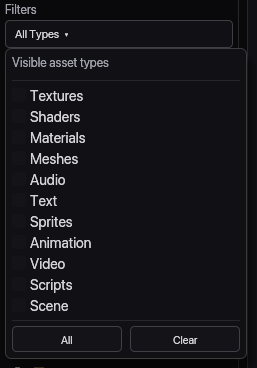
Search across large scans and narrow results to textures, sprites, materials, meshes, audio, text, shaders, and other asset groups when you need to move quickly.
Preview
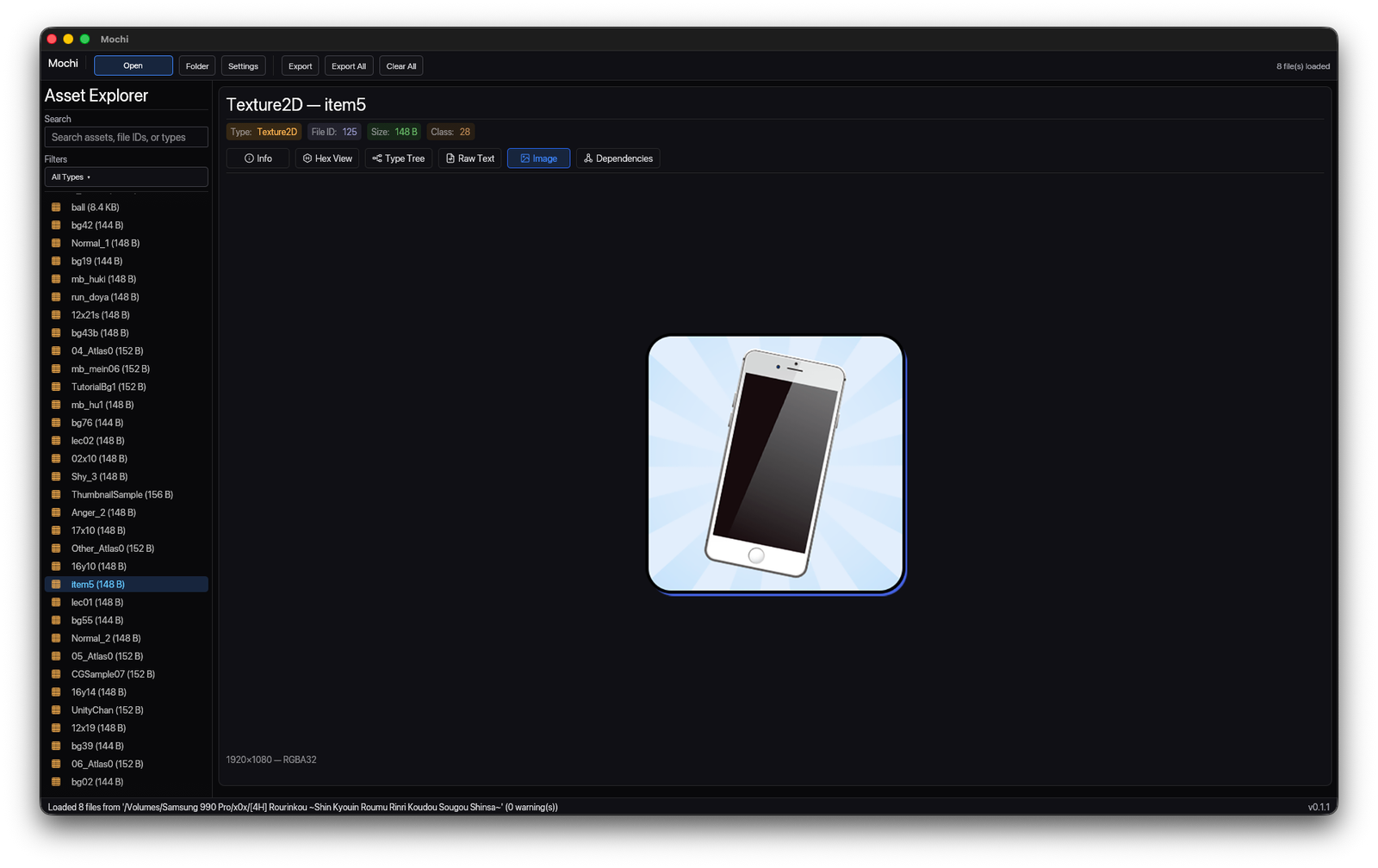
Render textures and sprites inside the same interface you use to browse them, with room for metadata, export actions, and surrounding context.
Inspection
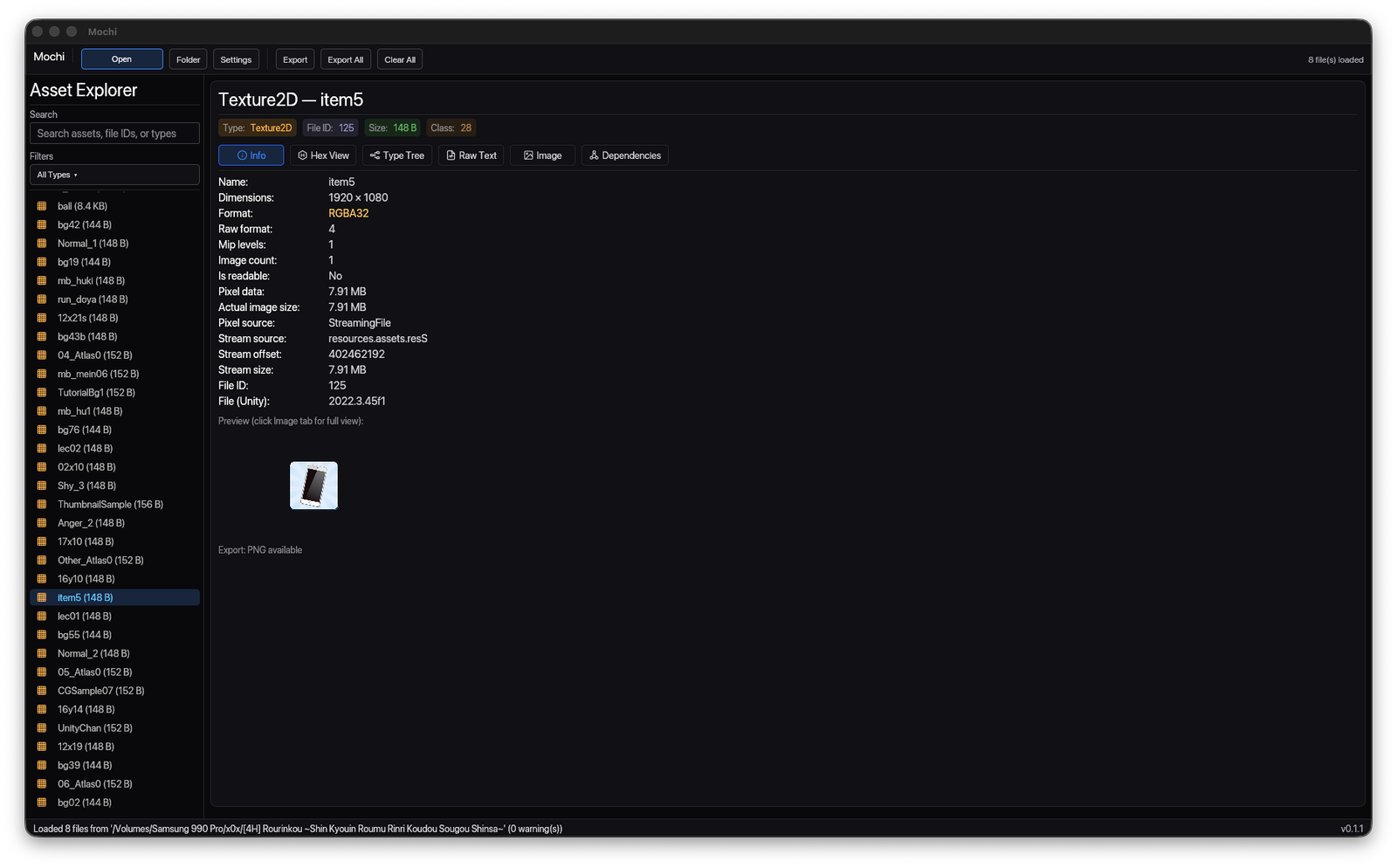
Switch between higher-level metadata and lower-level inspection views without leaving the selected asset. Useful when you need both readability and precision.
Coverage
Mochi is aimed at the kinds of assets people actually go hunting for in Unity projects, from 2D art and sound to scene-adjacent data and structured text content.
Export
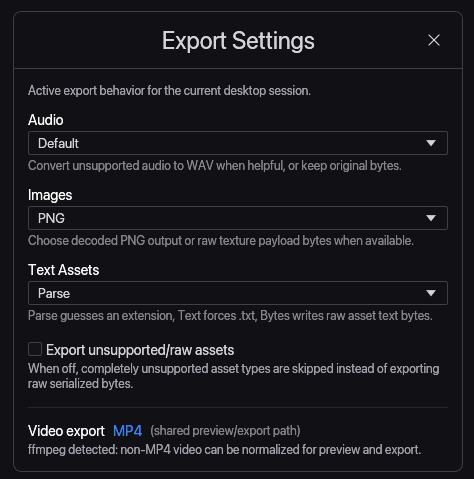
Once you find the asset you want, you can export the current selection or batch-export a broader folder. The same view you use to inspect the data is where you take it with you.
Interface
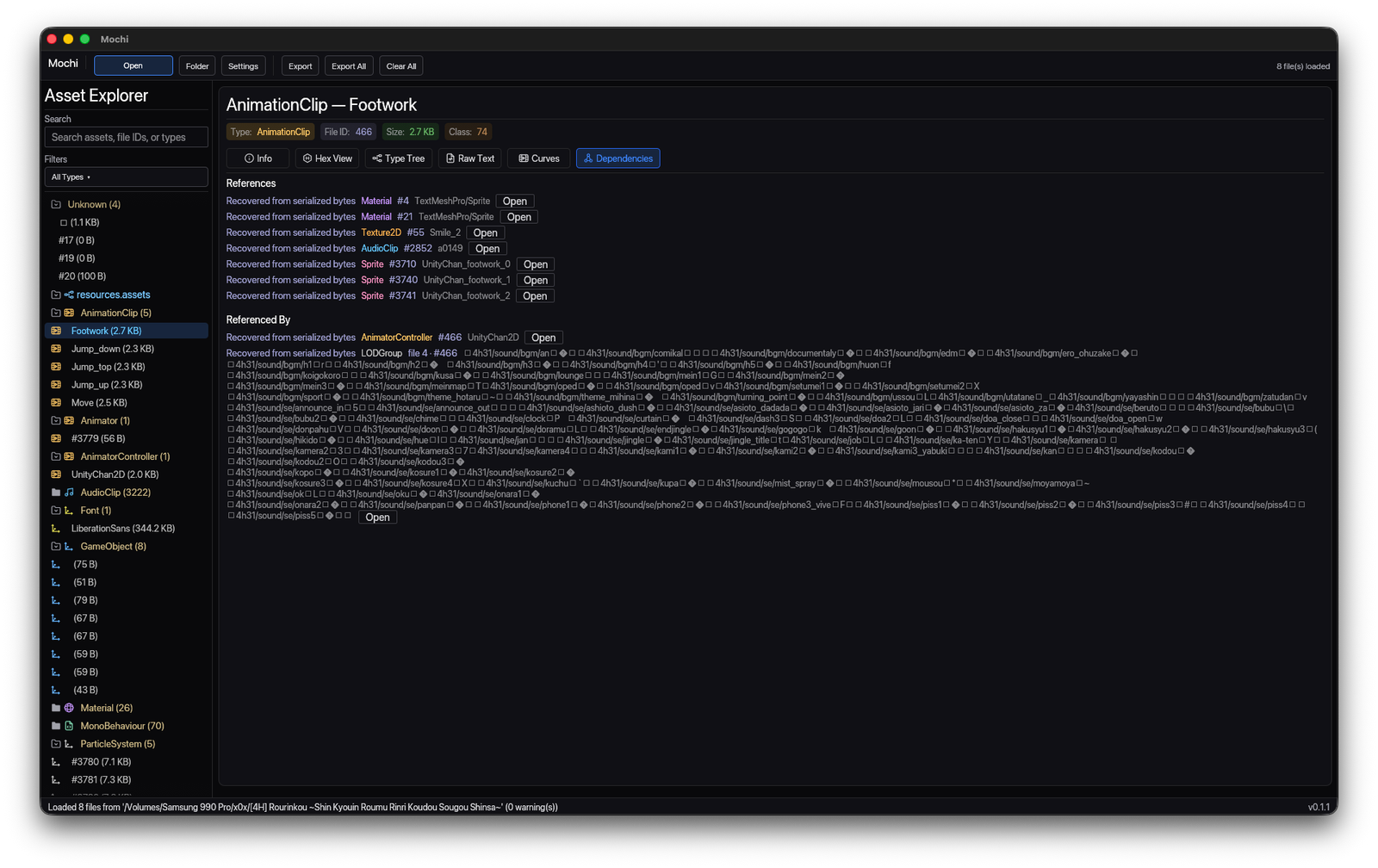
Mochi keeps browsing, previewing, metadata, and raw inspection in a single workspace so you can follow one asset from discovery to export without breaking context.
Workspace
Scan results are grouped by asset type and kept alongside search controls, filters, metadata, and contextual actions. The layout is built to help you move through large Unity datasets without getting lost.

Image Preview
When a selected asset can be shown visually, Mochi gives it room. Preview the image, confirm dimensions and format, then export it without switching to another viewer.

Inspection
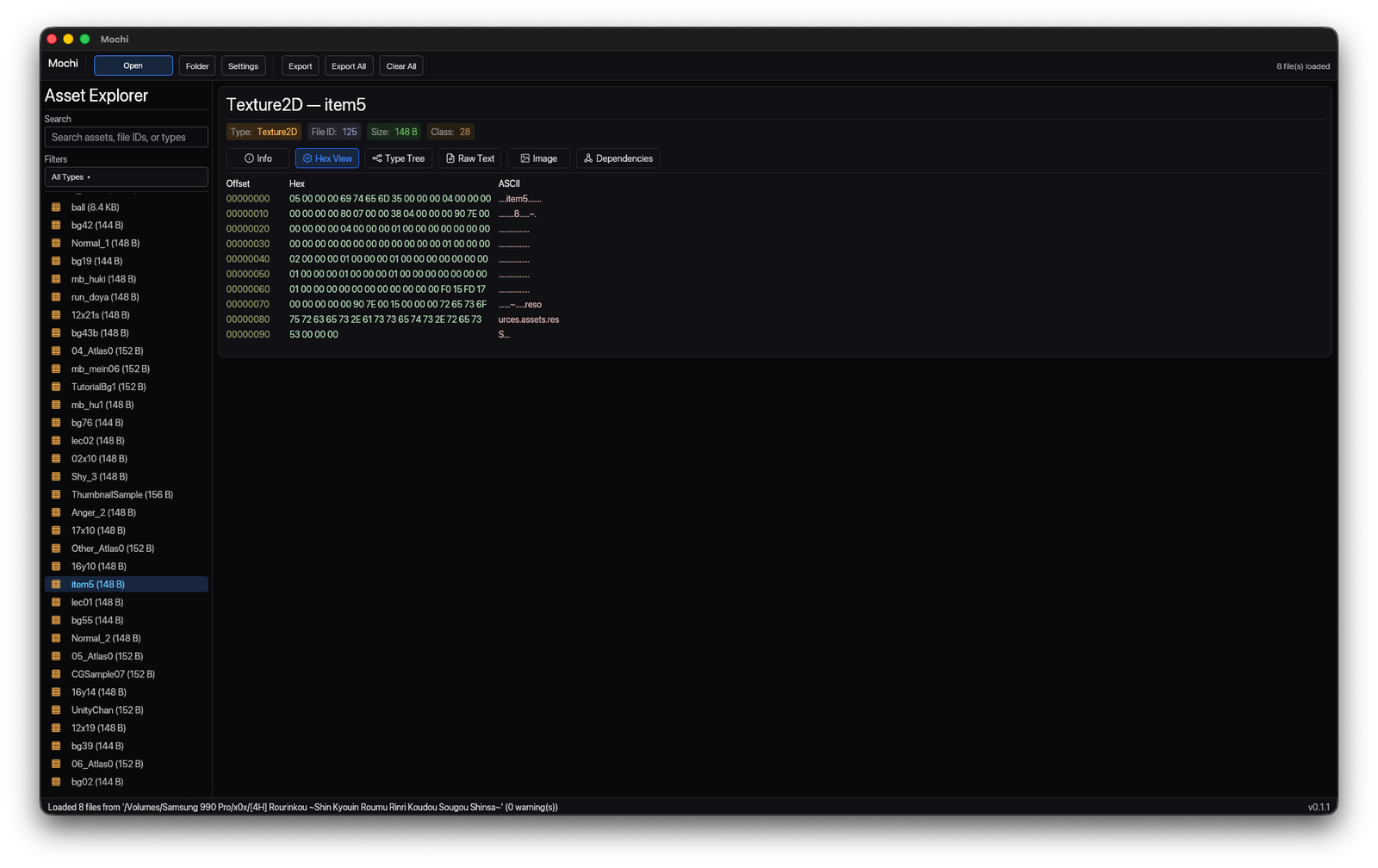
Lower-level inspection stays right next to the higher-level views. Hex data, offsets, and ASCII output are available when you need to verify what is really in the file instead of relying on labels alone.

Info Panel
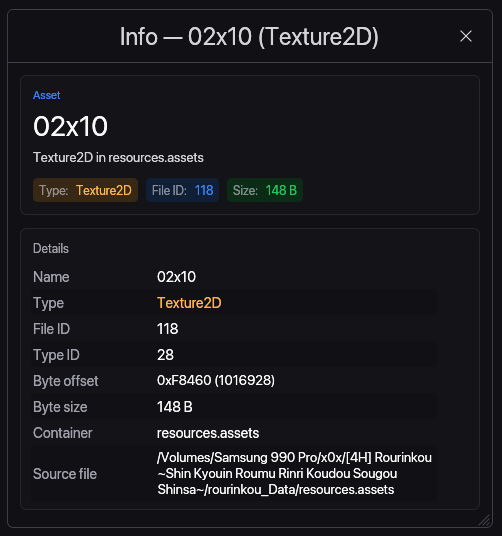
Compact detail panels expose file IDs, type IDs, container data, and source file paths in a form that is easy to reference while you keep browsing the surrounding asset list.

Who it's for
Mochi is aimed at people who need to inspect, understand, or extract assets from Unity games and applications without a complicated reverse-engineering setup.
Find the assets you actually care about, inspect how they are stored, and export them without manually stepping through every Unity data file.
Browse textures, materials, meshes, and related metadata quickly when you need references, want to verify packaging, or are auditing exported content.
Keep the visual and technical context attached to each asset while reviewing textures, UI elements, text content, or supporting files.
Peek under the hood of Unity titles, catalog the creative pieces that make them up, and archive assets in a way that is easier to understand later.
Technical details
Scope note: Mochi is not a Unity editor and not a full modding framework. Its job is to make Unity assets easier to find, preview, inspect, and export with as little friction as possible.
Open the data, understand what is there, preview the interesting parts, and take out only what you need. That's the whole product.